If You Run Group Classes, Stop Buying Appointment Tools
A practical guide for instructors and small studios: when Calendly-style appointment scheduling is enough, and when group classes need capacity, rosters, waitlists, recurring schedules, cancellation rules, and class communication.
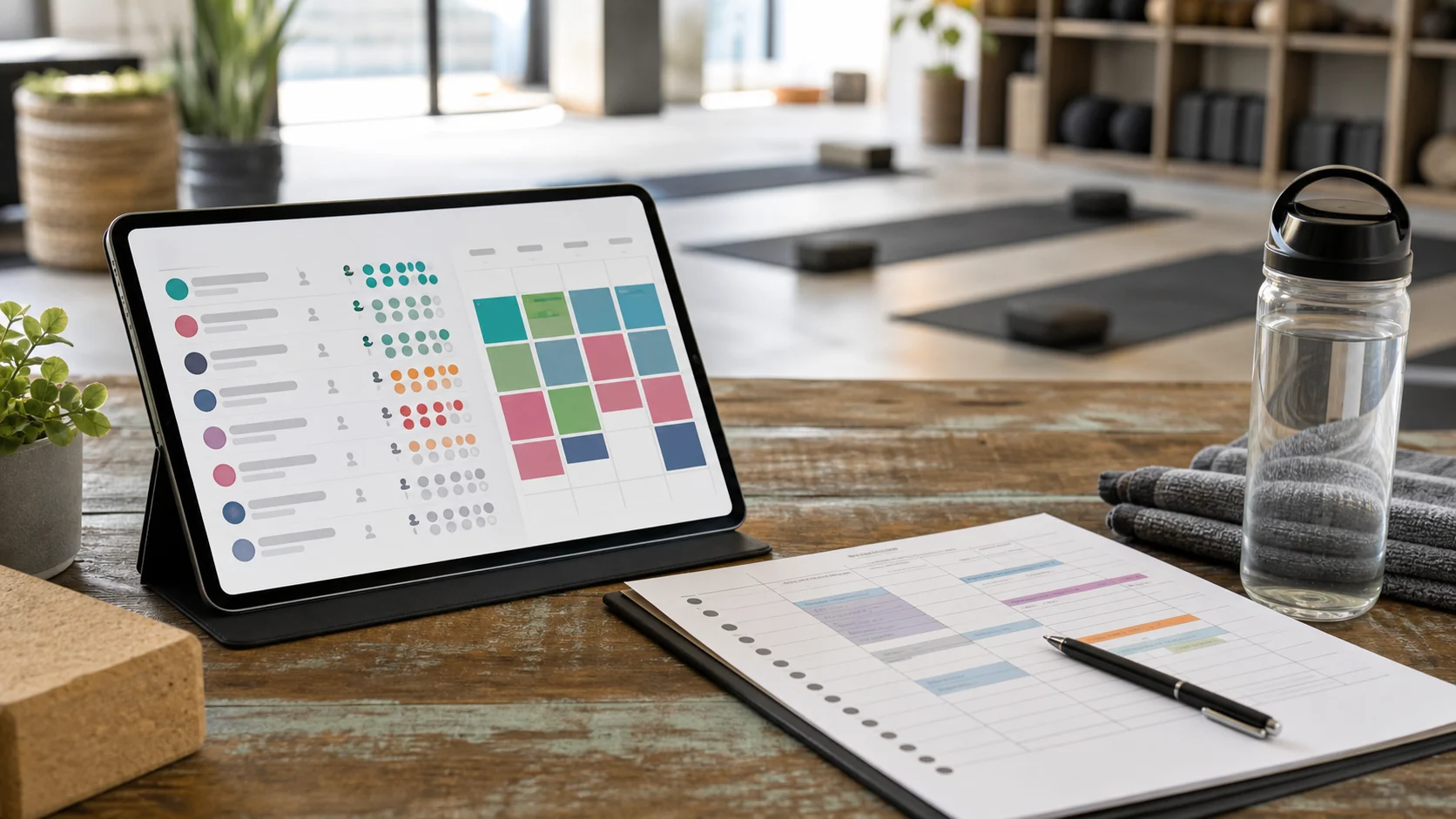
If your business is mostly one-to-one work, an appointment tool can be exactly right.
A client picks an open time. You meet. The calendar event exists. Done.
But if you run group classes, the job is different. You are not selling one empty slot in your day. You are running a small live system: a room with limited spots, a roster, maybe a waitlist, rules for late cancels, recurring weekly times, and a group of people who need the same update at the same time.
That is why so many instructors start with a simple scheduling link and slowly end up back in spreadsheets, DMs, and "who wants the open spot?" messages.
The tool was not broken. It was solving a different problem.
Appointment tools solve availability
Most appointment schedulers are built around a clean idea:
One person books one available time with one provider.
That is great for:
- private coaching sessions
- consultations
- physio or bodywork appointments
- intro calls
- single-service time slots
- small businesses where the calendar is the product
In that world, the most important question is, "When are you available?"
The workflow is usually:
- define your working hours
- expose available slots
- let one person book one slot
- send a confirmation
- keep the provider calendar clean
If that is your business, keep the appointment tool. The right answer is not "more software." The right answer is the tool that matches the work.
Group classes solve capacity
A group class has a different center of gravity.
The core question is not only "When are you available?" It is:
Can this person join this class, under these rules, with these other people already booked?
That brings in a different set of operations:
- capacity: how many mats, bikes, reformers, or spots exist
- roster: who is confirmed
- waitlist: who wants in if a spot opens
- cancellation rules: what happens when someone leaves late
- recurring schedule: what happens every Tuesday at 18:00, not just this Tuesday
- communication: who needs to hear about a room change, teacher substitution, or open spot
- passes or credits: how someone pays for several classes without you tracking it in a spreadsheet
For a class business, the schedule is not just your availability. The schedule is the product.
The decision table
Use this as a quick fit check before you migrate anything.
| Appointment tool is enough when... | Class booking is needed when... |
|---|---|
| Most bookings are 1:1 sessions. | Most bookings are group classes. |
| One client takes one time slot. | Many people book the same class. |
| "Available or not" is the main state. | "Open, full, waitlisted, cancelled, or late-cancelled" all matter. |
| You rarely need a waitlist. | Full classes and open spots happen often. |
| Cancellations mostly affect your calendar. | Cancellations affect a roster and the next person in line. |
| Recurrence is a convenience. | Recurrence is the shape of the offer. |
| Communication is mostly individual. | Updates often need to reach the whole class or a specific roster. |
| You can handle payment per appointment. | You sell drop-ins, packs, course blocks, or recurring class access. |
There is no moral win on either side. It is just category fit.
The first crack: waitlists
Waitlists are where appointment workarounds usually start to show their limits.
Imagine a Pilates class with eight reformers. It fills every Wednesday. Two people would like to join if a spot opens. One confirmed student cancels the morning of class.
In an appointment-first setup, that often becomes a manual loop:
- notice the cancellation
- check the waitlist spreadsheet or DM thread
- message the first person
- wait for a reply
- message the next person if they do not answer
- update the roster
- hope the payment or credit state is still clean
That is not "just a notification." It is roster management.
A class booking system should treat the waitlist as part of the class, not as a side note. The operator should be able to see who is confirmed, who is waiting, and what happens when a spot opens without rebuilding the process in messages every week.
For more detail on fair rules around this, see Yoga Class Cancellation Policy Template and Waitlist Rules for Small Studios.
The second crack: recurring classes
Appointment tools can often repeat availability. That is not the same as running recurring classes.
For a weekly group class, recurrence has meaning:
- people expect the same class to exist every week
- the class may have the same capacity each time
- some regulars may join often, but not every week
- holidays and teacher substitutions happen
- the class may belong to a larger course block or season
- your website should not show a stale booking path
If you have to rebuild or double-check too much of this manually, the recurrence is not really doing the work.
That matters because many small studios are not selling random isolated events. They are selling rhythm. Tuesday evening yoga, Saturday strength, Wednesday reformer, Friday mobility. The recurring schedule is how people fit the class into their lives.
If your main offer is weekly yoga, you may also like Yoga Class Booking Software for Independent Teachers Running Weekly Classes.
The third crack: capacity
Capacity sounds simple until your class becomes popular.
If there are 12 spots, you need the system to understand what 12 means.
It should know:
- when the class is open
- when it is full
- when someone can join a waitlist
- when a cancellation makes one spot available
- whether late booking should still be allowed
- whether a person is confirmed or waiting
The common workaround is to let people request a spot and then confirm manually. That can work for a while. But it quietly moves the hard part back onto the instructor.
You become the capacity system.
That is usually the moment the "simple" tool stops feeling simple.
The fourth crack: late cancels
Late cancels are not only a policy issue. They are an operations issue.
Suppose your cancellation window is 12 hours. Someone cancels 10 hours before class.
You now need to answer several questions:
- Does the student keep the credit or lose it?
- Does the spot open for someone else?
- Does the waitlist still have enough time to respond?
- Does the next person get told clearly?
- Does the roster update before class starts?
If you handle this in DMs, every late cancel becomes a tiny customer service case. You may be fair and generous, but you are still doing the coordination by hand.
Good class booking should make your policy easier to follow. It does not need to make your studio cold or inflexible. It just needs to keep the rules visible enough that you are not renegotiating them every Tuesday.
The fifth crack: participant communication
Appointment communication is usually individual:
"Your session is confirmed."
"Here is the link."
"Please reschedule here."
Class communication often has a group shape:
- the room changed
- bring a towel today
- the substitute teacher is Mia
- the outdoor session moves inside
- the class is full, but a spot just opened
- this workshop has a file, note, or preparation detail
If those updates live in WhatsApp, Instagram DMs, email, and your booking tool at the same time, nobody knows which source is true.
The best booking path for group classes keeps communication close to the class context. Not every message is marketing. Some messages are operational: they belong next to the booking, roster, and schedule.
This is the same reason many instructors eventually move booking out of group chats. The chat can stay human. It just should not be the database.
What to use instead of an appointment-only flow
You do not need a huge studio suite on day one. Many solo instructors and micro-studios only need a calmer way to run the real class workflow.
Look for a class-first booking setup that supports:
- recurring classes
- capacity and visible spot status
- rosters
- waitlists
- cancellation rules or at least clear cancellation handling
- website booking links or widgets
- calendar-friendly schedules
- payments, passes, or credits if you sell them
- communication tied to the class, not scattered across personal inboxes
Karl Konnekt is built around this group-class reality: Hops, limited spots, waitlists, website booking, calendar sync, and a calmer flow for small operators who do not want a front-desk-heavy studio system.
If you want to see that core create-invite-Hop On path before changing your whole setup, start with the Karl Konnekt homepage.
If your website is already where new clients decide, start with the booking path there. The practical setup guide is How to Easily Add Karl Konnekt Widgets to Your Website.
A simple migration test: one class only
Do not move your whole business because an article told you to.
Run a one-class pilot.
Pick one recurring class where coordination is most annoying. Usually it is the class that fills, gets late cancels, or creates the most "am I in?" messages.
For that one class:
- set the capacity
- publish one booking link or website widget
- use a clear cancellation window
- let people join the waitlist in the booking flow
- stop taking reservations for that class by DM
- run it for a few weeks
Then judge the fit by the week-to-week feel:
- Are fewer people asking whether they have a spot?
- Is the roster clearer before class?
- Are late cancels easier to handle?
- Is your website doing more of the booking work?
- Do you spend less time stitching the same information across tools?
If yes, expand. If not, you learned without a big migration.
When appointment tools are still the better choice
It is worth saying plainly: appointment tools are often better for appointment businesses.
Stay with an appointment scheduler if:
- most of your revenue is 1:1
- every booking needs a custom time
- you rarely have shared capacity
- waitlists are not part of your workflow
- clients mainly need to pick from your availability
- you do not sell class packs, recurring class access, or course blocks
Karl Konnekt is not trying to be the universal answer for every booking business. If your work is mostly individual appointments, a focused appointment scheduler may stay cleaner.
The switch makes sense when the class, not the calendar slot, becomes the operational unit.
The real question
The question is not "Calendly, Acuity, or Karl?"
The question is:
What are people actually booking?
If they are booking your personal availability, buy an appointment tool.
If they are booking a place in a shared class with capacity, a roster, a waitlist, cancellation rules, and class-level updates, buy class booking.
That distinction saves you from a lot of awkward workarounds.
And if your current setup already feels like a scheduling link held together by spreadsheets and DMs, that is probably your answer.
class bookingappointment schedulingwaitlistsrecurring classesstudio operations